
The daily planner built for focus.
Plan your day in minutes. Work on one task at a time. Finish each day knowing exactly what you accomplished — and why it mattered.
Sound familiar?
Most productivity tools make things worse.
They ask you to manage projects, not get things done. FocusToday is built around a simpler idea: one day at a time, one task at a time.
47 tasks, zero clarity
You open your to-do app and feel overwhelmed before the day even starts. Everything looks equally urgent.
Constant context-switching
Jumping between tools, tabs, and notifications means you finish the day having started a dozen things and finished none.
The day just disappears
Evening arrives and you can't quite say what you accomplished. The list looks just as long as this morning.
How it works
Plan. Focus. Reflect. Every day.
- 01Plan
See your whole week, then decide what matters today.
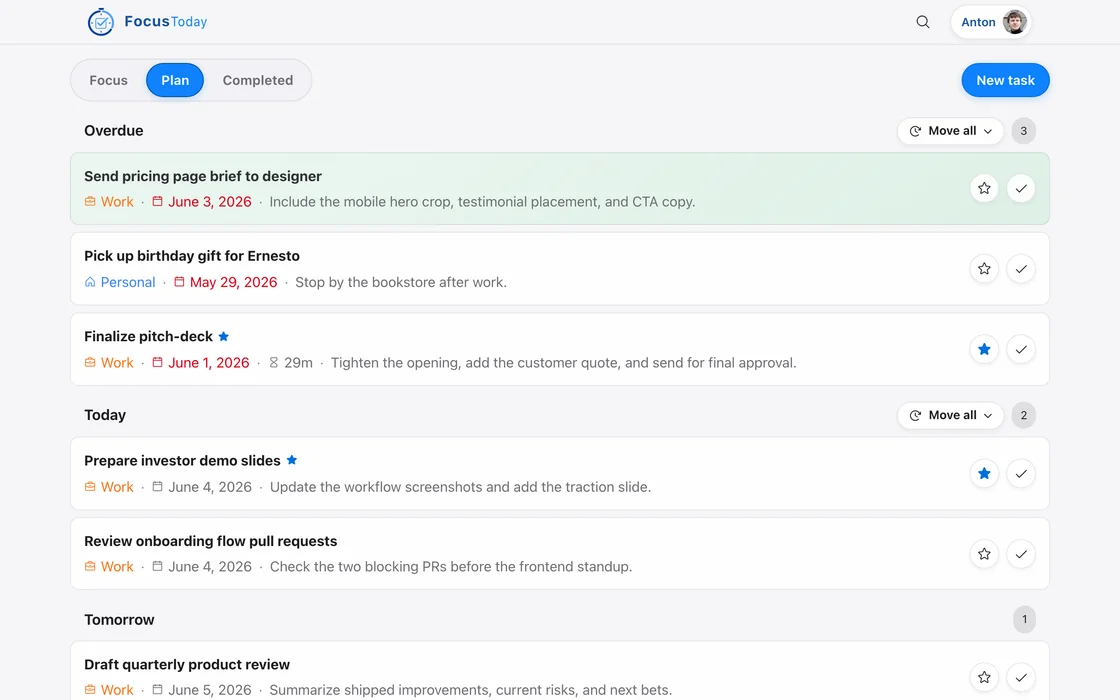
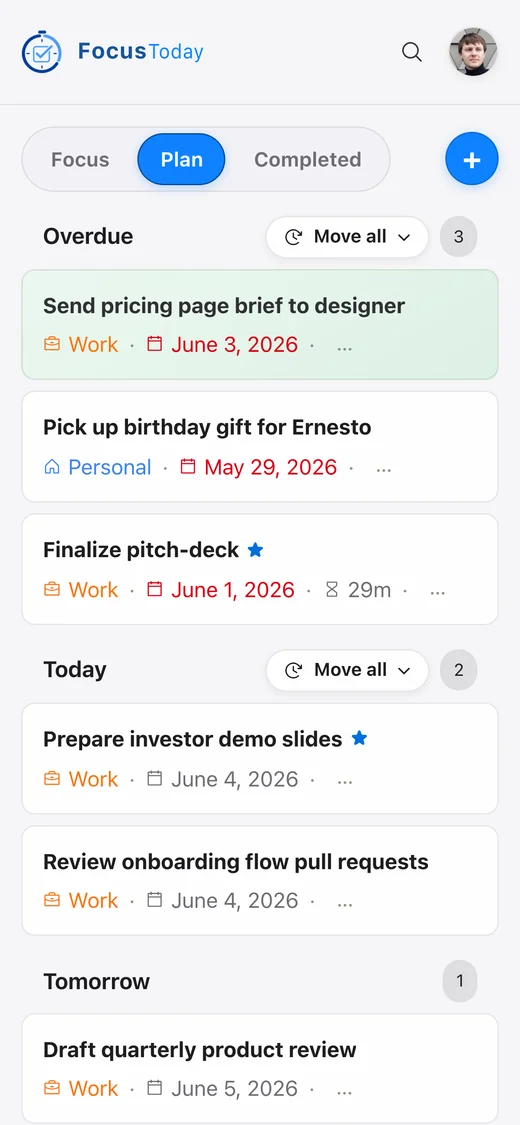
Every task lives in a time bucket: Overdue, Today, Tomorrow, This Week, Next Week or Not Planned. Spend five minutes each morning moving what matters into Today and pushing the rest to later. Overdue work stays in plain sight, so nothing silently slips.
- 02Focus
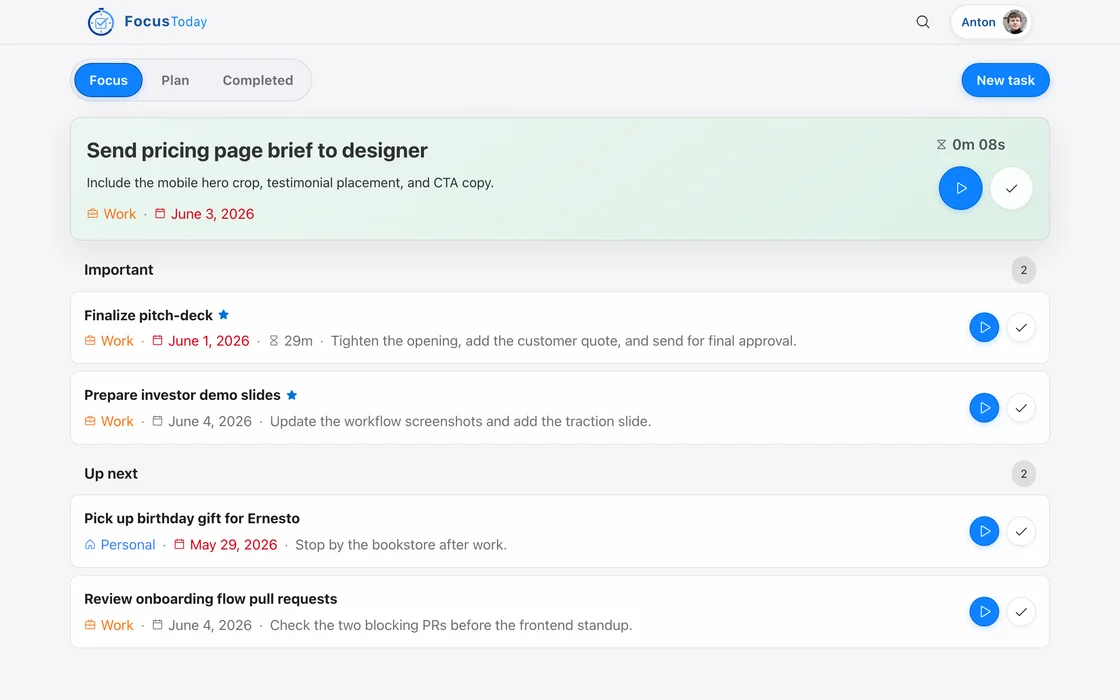
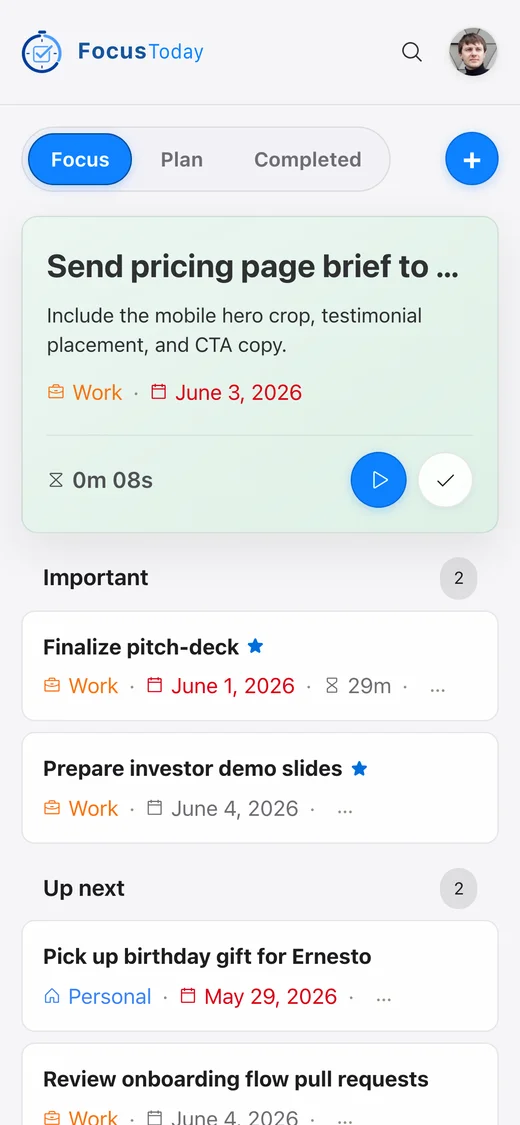
Start one task. The timer runs. Everything else can wait.
Start a task from Today and its timer begins counting your real focus time. Only one task can be active at a time, so your attention stays in one place. When you stop, the time is saved to that task.
- 03Reflect
Close the day with a clear record.
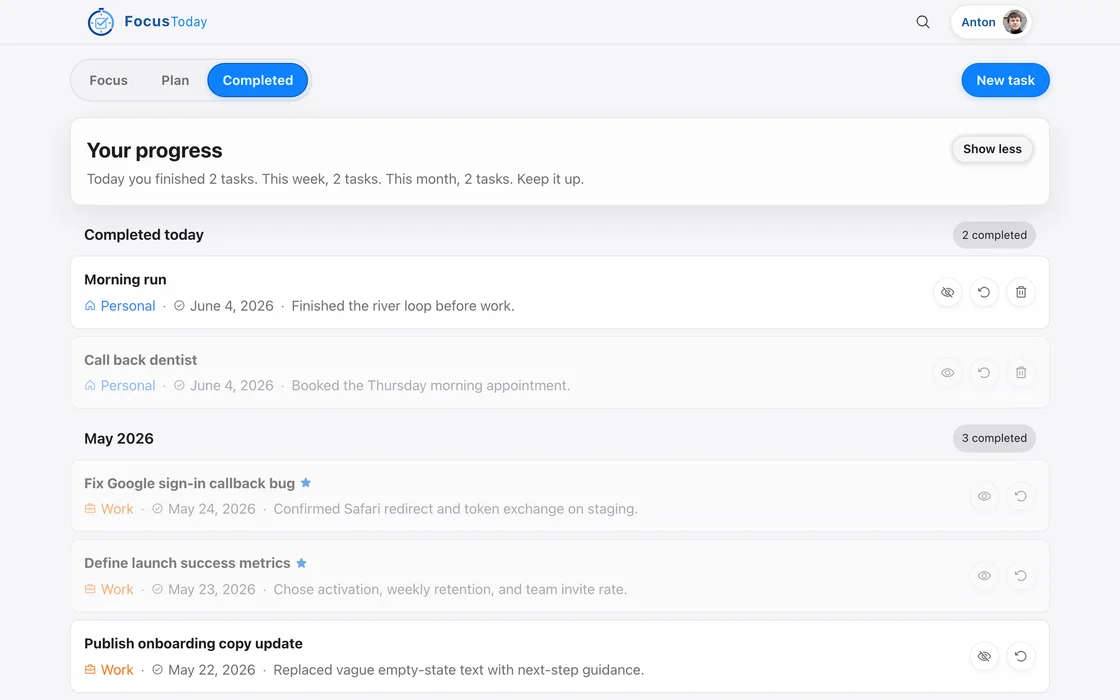
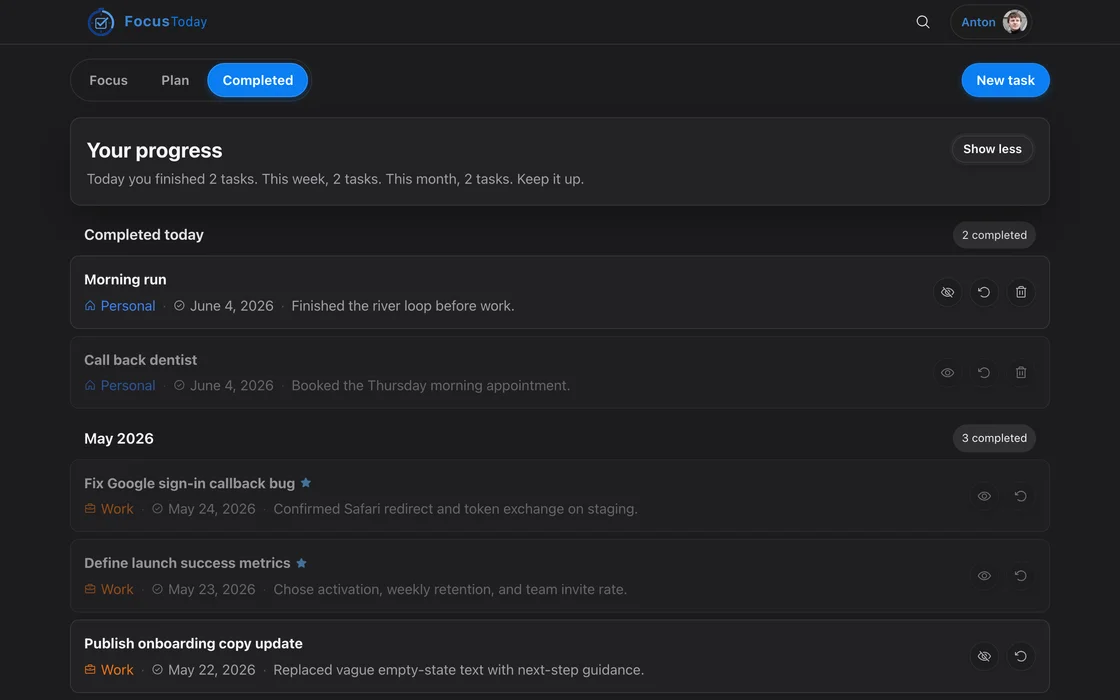
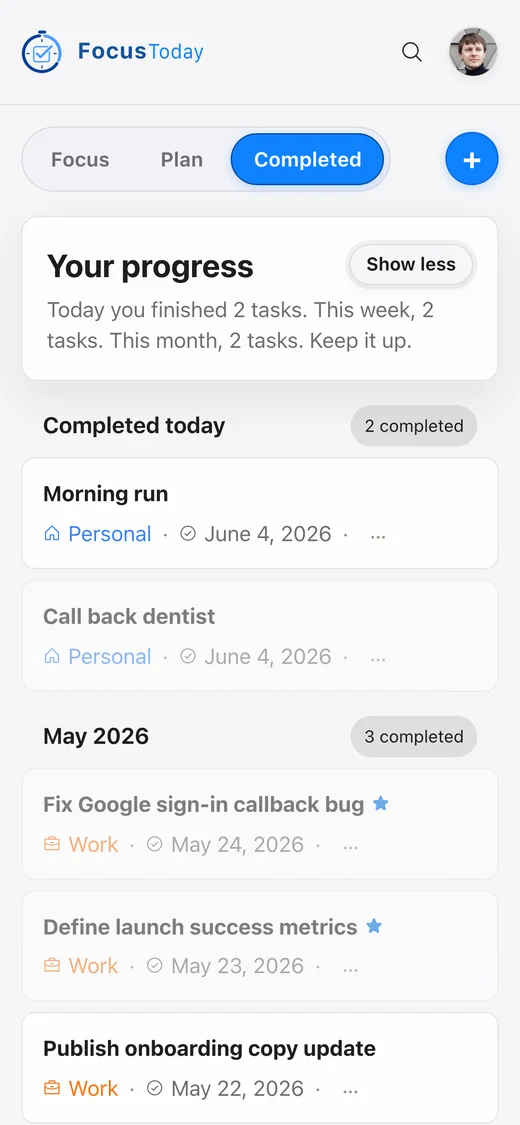
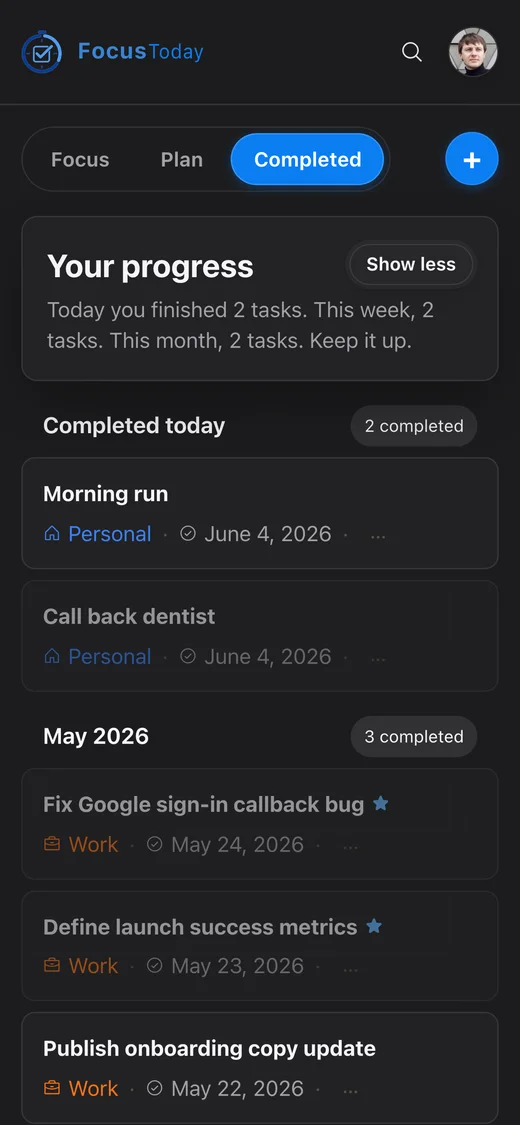
The Completed tab groups finished work by month, with the time you spent and the tasks you marked as important. Thirty seconds of review, and tomorrow starts with momentum instead of anxiety.
What makes it different
Built around doing the work, not listing it.
One active task at a time
Starting a task pauses whatever was running before. There is always exactly one thing you are working on, never a dozen half-started ones.
Real per-task time tracking
Every start and stop is saved as a work session on the task itself, so you see where your hours actually went, not an estimate.
Works offline
Lost the connection? Keep planning, starting and completing tasks. Your changes are kept on the device and sync when you are back online.
The same app on every screen
One FocusToday in the browser on your phone, tablet and computer, and installable to your home screen or desktop. Your tasks follow you.
Coming next: native iOS & Android apps, voice AI assistant.
Appearance
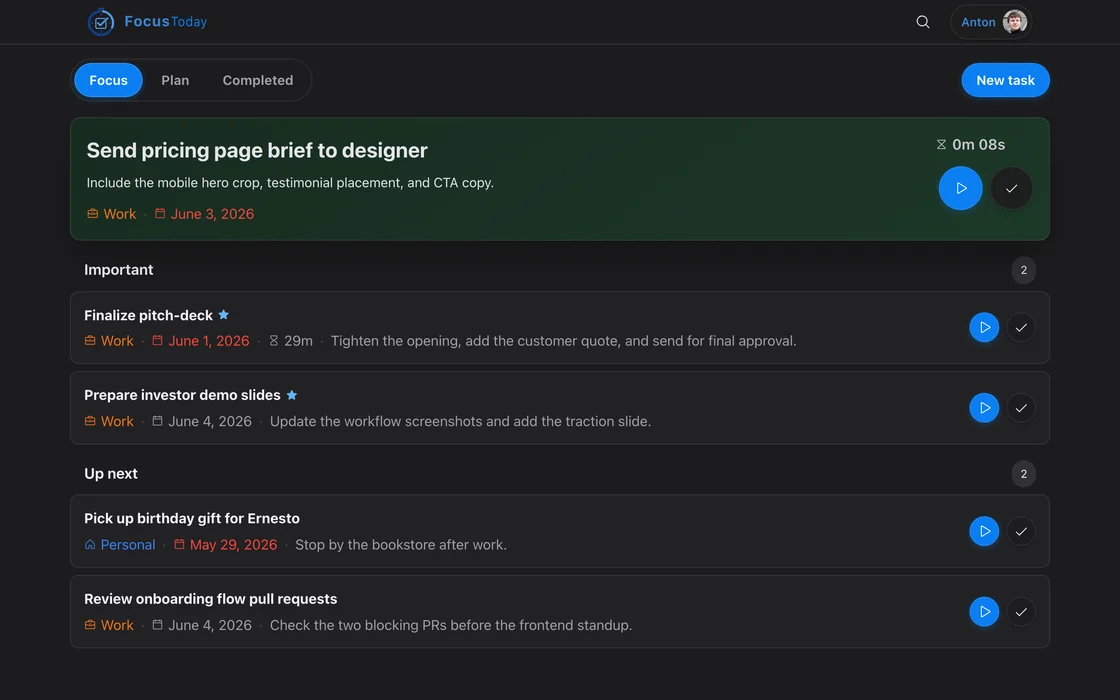
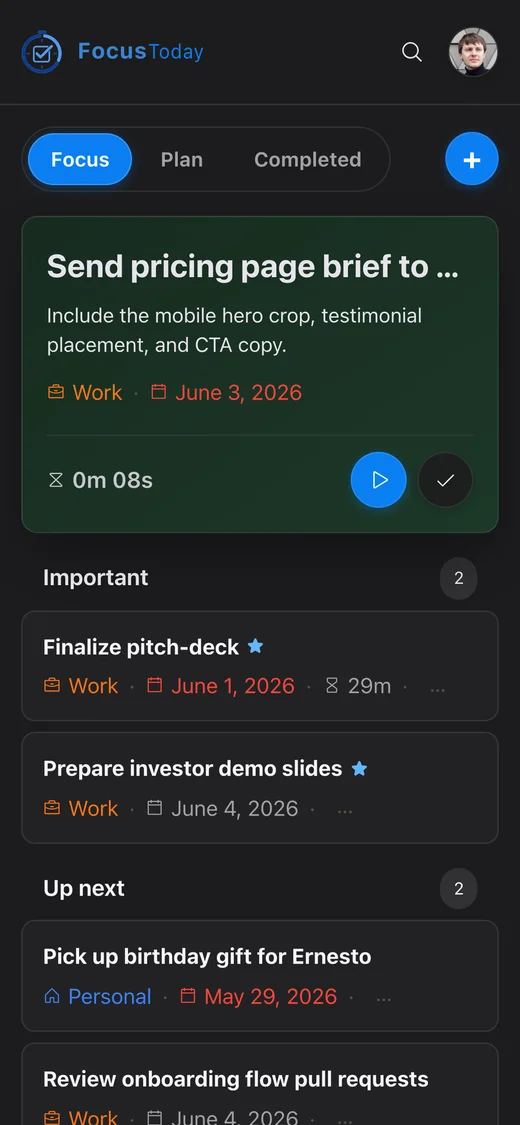
Easy on the eyes — day or night.
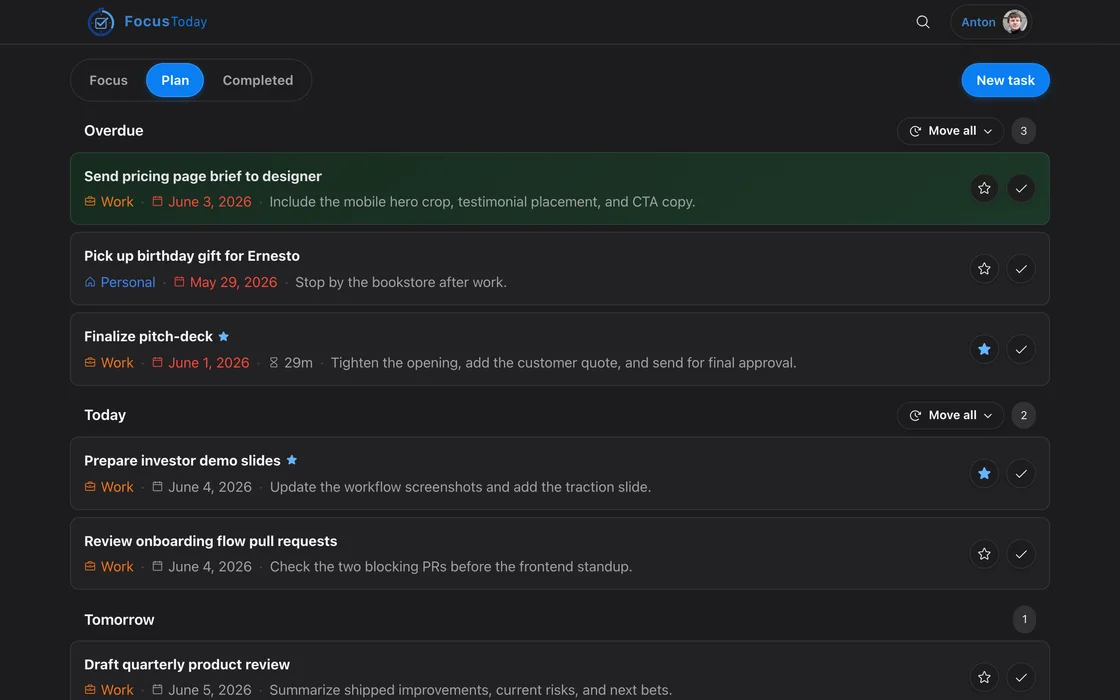
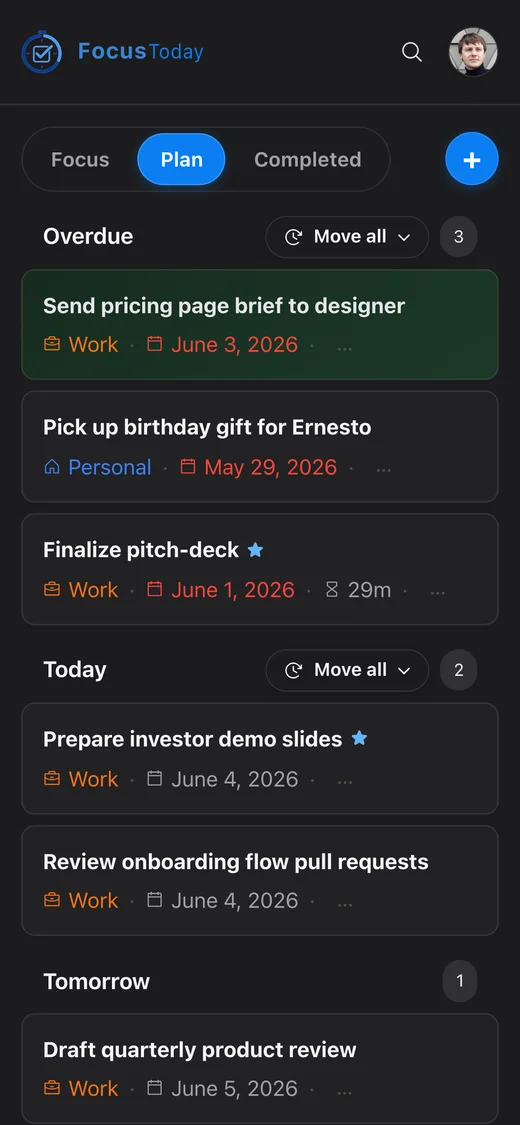
FocusToday follows your system theme automatically. Switch manually any time with the toggle in the navigation bar. The dark mode is crafted to feel calm, not just inverted.
Who it's for
For anyone whose day has more in it than one person can do at once.
Developers and engineers
Protect deep work from the constant pull of reviews, chats and meetings. Pick the one task that matters and see how long it really took.
Freelancers and consultants
Know exactly how much time went into each client task. Every session is recorded on the task, ready when it is time to bill.
Students
Turn a pile of assignments and deadlines into a plan for today, then work through it one task at a time instead of all at once.
People pulled in many directions
Managers and makers juggling many threads: decide what today is for, keep everything else parked for later, and end the day knowing what moved.
Ready to take back your day?
Start planning in under a minute. Your tasks, your timer, your focus — all in one place.
Open the app